
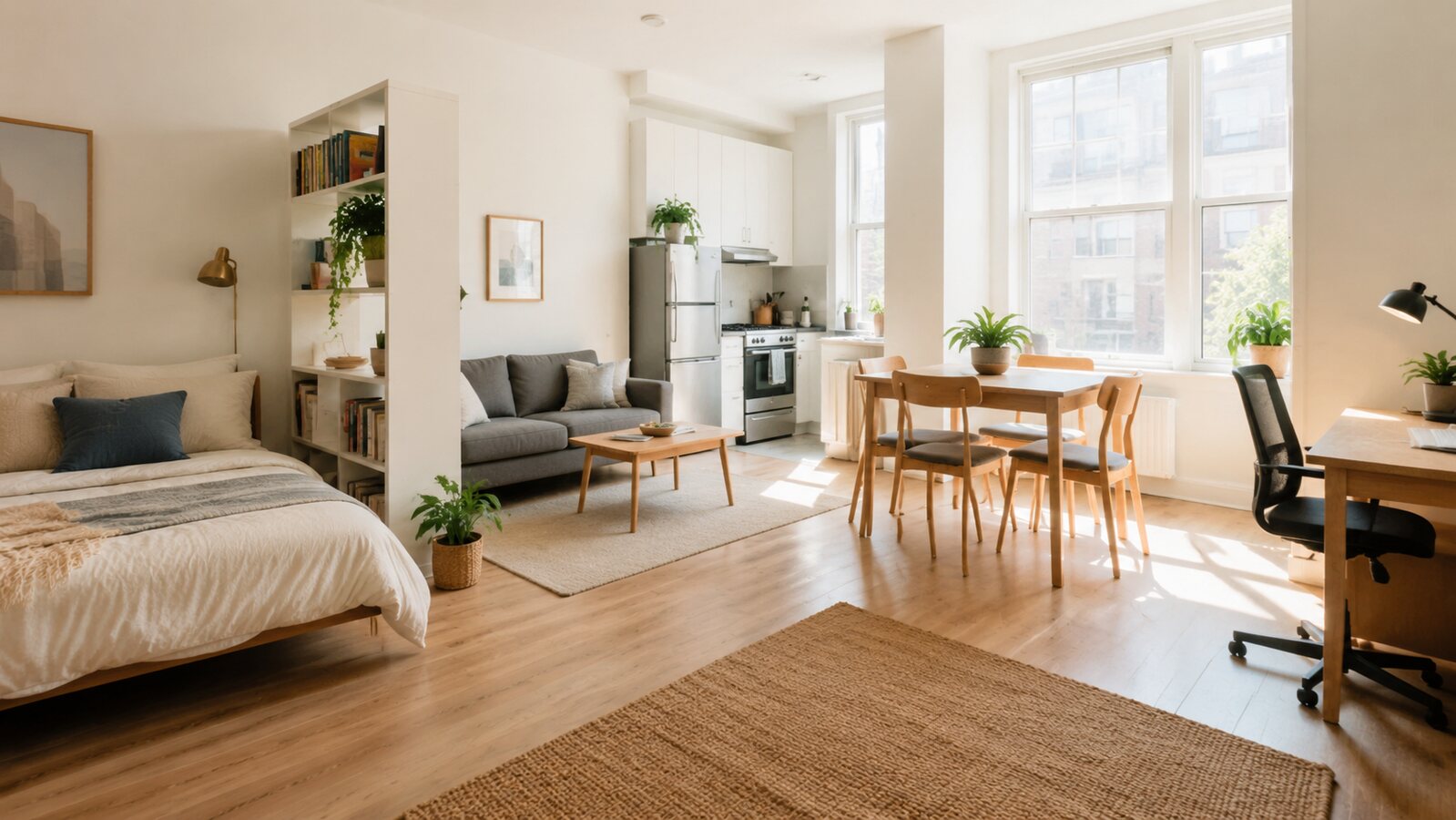
A home office in a bedroom or living area should support focused work without making the room feel permanently occupied by a job. A closing routine and controlled storage are as important as the desk.
Define the equipment and work posture
List the screen, keyboard, documents, charging equipment, and calls the setup must support. Choose a desk depth that keeps the screen at a comfortable distance and provides space for forearms. For prolonged computer work, prioritize an adjustable chair and monitor position over decorative compactness.
A practical step-by-step plan
- Locate the desk where daylight does not create screen glare.
- Provide task lighting independent of the room’s relaxing light.
- Use one closed drawer, cabinet, or box for active documents and cables.
- Mount a small notice board or shelf only if it reduces desktop clutter.
- End the day by storing work items and switching to a different light scene.
Manage cables, acoustics, and shared space
Secure power strips where they remain ventilated and accessible. Use cable sleeves or clips instead of running cords under rugs. Curtains, rugs, and upholstered furniture can soften sound, while headphones may be more practical than extensive acoustic products in a shared room.
Common mistakes to avoid
A very shallow console may look elegant but force poor posture. Working directly in front of a bright window strains visibility. Avoid piling work materials on the bed or dining table when a small designated container would preserve separation.
Before you buy or begin
- Check chair movement and the route behind it.
- Verify monitor height and keyboard position.
- Keep power equipment away from liquids and soft coverings.
- Provide a place for every work item at shutdown.
- Test video-call background and sound without exposing private areas.
Final perspective
A compact office should open quickly and disappear psychologically at the end of the day. Support the body first, contain equipment, and use a consistent shutdown routine.